


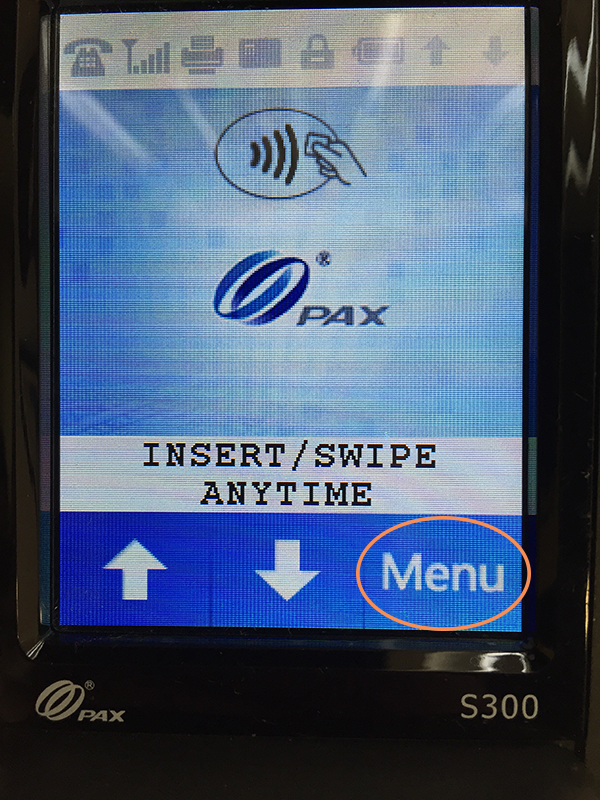
To check your device configuration, click the "Menu" button on your PAX S300 (note, you're going to need to know the password 916860 to the device to follow these troubleshooting steps):
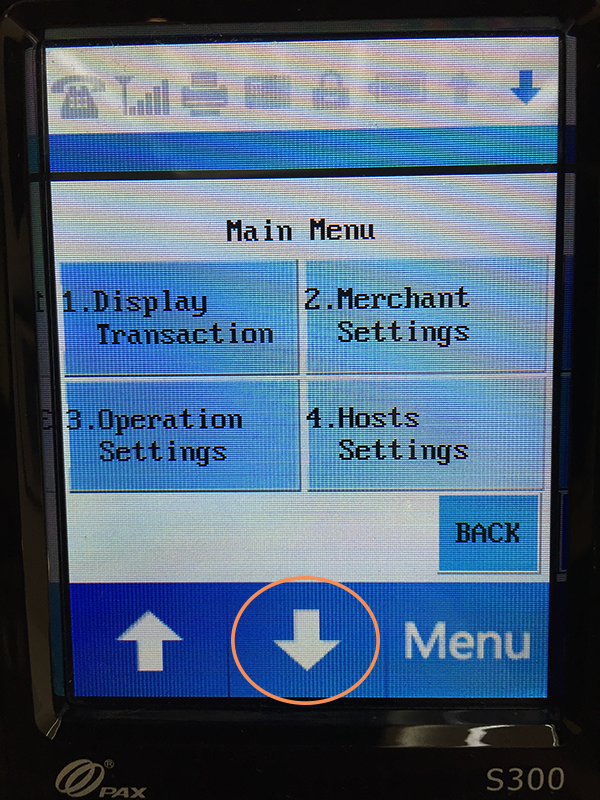
On the next page, click the down arrow:
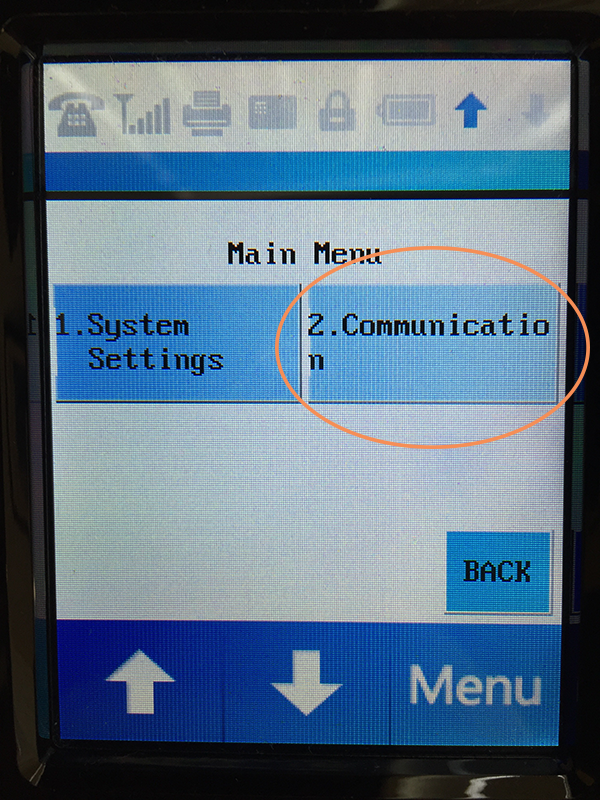
Next, click the "Communication" button:
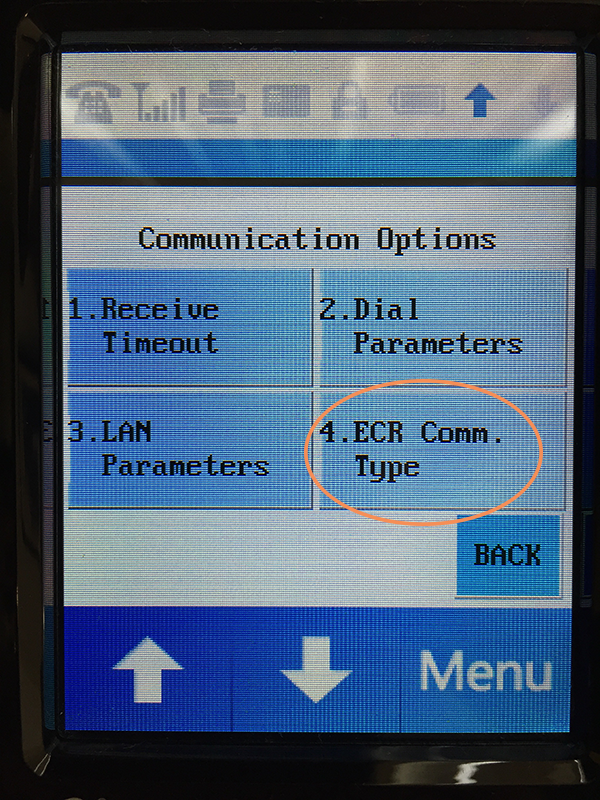
On the "Communication Options" page, click the down arrow:

Click "ECR Comm. Type" on the next page:
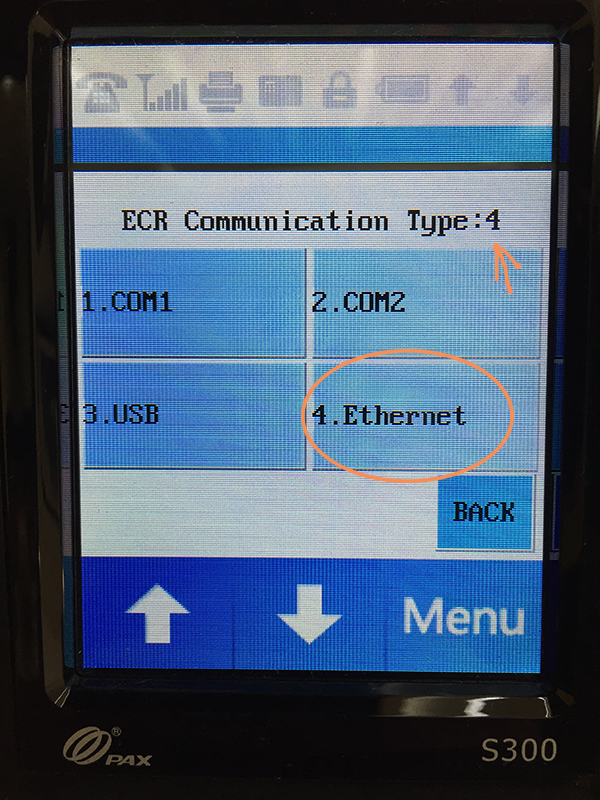
On the next page, you need to confirm that your ECR Connection Type is set to 4, as the arrow indicates. Go ahead and click "4. Ethernet" to set your ECR Connection Type to Ethernet.
Click on 3. LAN Parameters and find out the IP address.
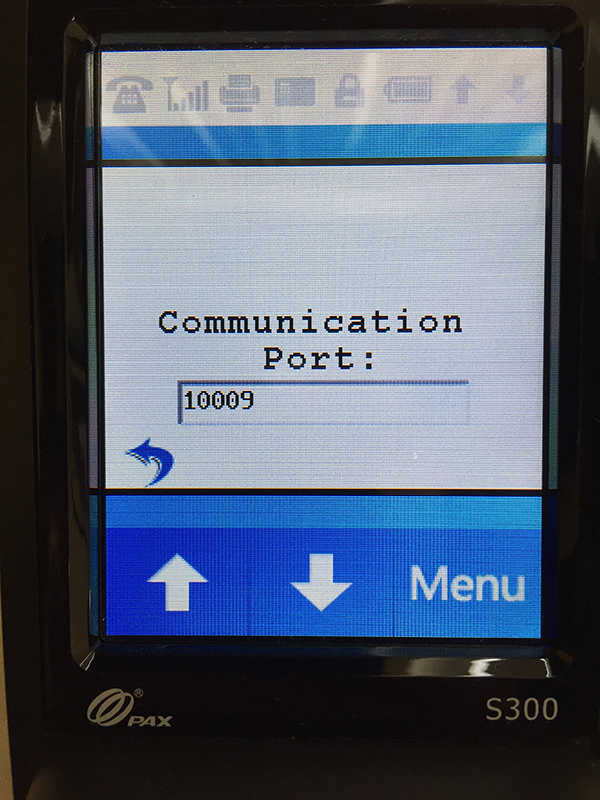
On the next page, confirm that your port is listed as "10009" and then click the physical green button on the device to continue:
Finally, click the "2. HTTP Get" button on the next page:

Once you have clicked the "2. HTTP Get" button above, you can then click on the physical red button on the device until you return to the main menu.
Replace the 192.167.2.100 below with the real IP address from the device and do a test by opening a browser:
http://192.167.2.100:10009?AlQwMBwxLjI4HDAxHDEwMBwcMRwcHBwcA0M=